
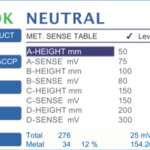
MET. SENSE TABLE
The metal sensitivity menu allows configuring sensitivity settings based on different (externally measured) mat heights.
Settings only available for metal detectors type BIGpba.
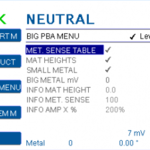
BIG PBA MENU
Open SYSTEM MENU > BIG PBA MENU for specific BIG pba settings.
Settings only available for metal detectors type BIGpba.
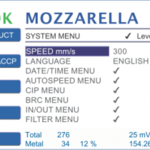
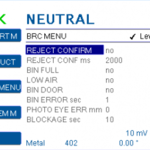
BRC MENU
Settings to configure the metal detector in order to comply with the British Retail Consortium (BRC) Food Technical Standard.
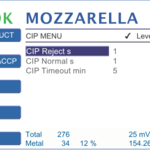
CIP MENU
The CIP MENU (CIP = Clean In Place) is for pipeline models only (METAL SHARK® IN LIQUID).
If activated, the reject device toggles between positions “NORMAL” (production) and “REJECT” as long as the CIP input is in state HIGH. Cleaning fluid running through the product pipes cleans all interior surfaces of the reject device.