Error Messages
In case of an error:
- the Error-LED lights up,
- the screen indicates !ERR,
- an error message is displayed.
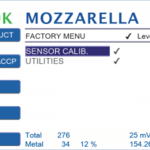
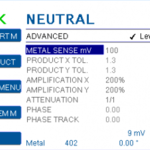
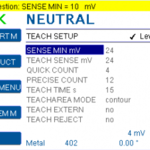
ADVANCED MENU
The ADVANCED MENU is for experts only. Product parameters are automatically set during the teach assistant. This menu allows to modify the product parameters manually.
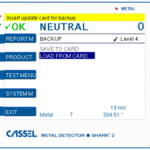
HowTo: Settings backup with FLASH CARD
Save all parameters to an update flash card and restore those parameters at a later point.
HowTo: Settings backup with SHARKNET
The following document describes how to save and restore all parameters (global parameters and product settings) from a SHARK 2 unit using the SHARKNET 2 software. This feature is available in SHARKNET 2 since version V1.0.1.29 and requires a SHARK 2 software version V1.16x or higher.
The complete parameter settings of a unit can be saved in a file on the PC running the SHARKNET 2 software. This file can later be used to restore the parameter settings of the SHARK 2 unit to its previous values.
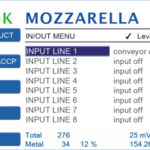
IN/OUT MENU
Setup of the input and output switching lines of the metal detector. Set up the parameters according to the devices connected to IN1 - IN8 and OUT1 - OUT 8 terminals on the mainboard.